- login to GitHub and create a new repository:
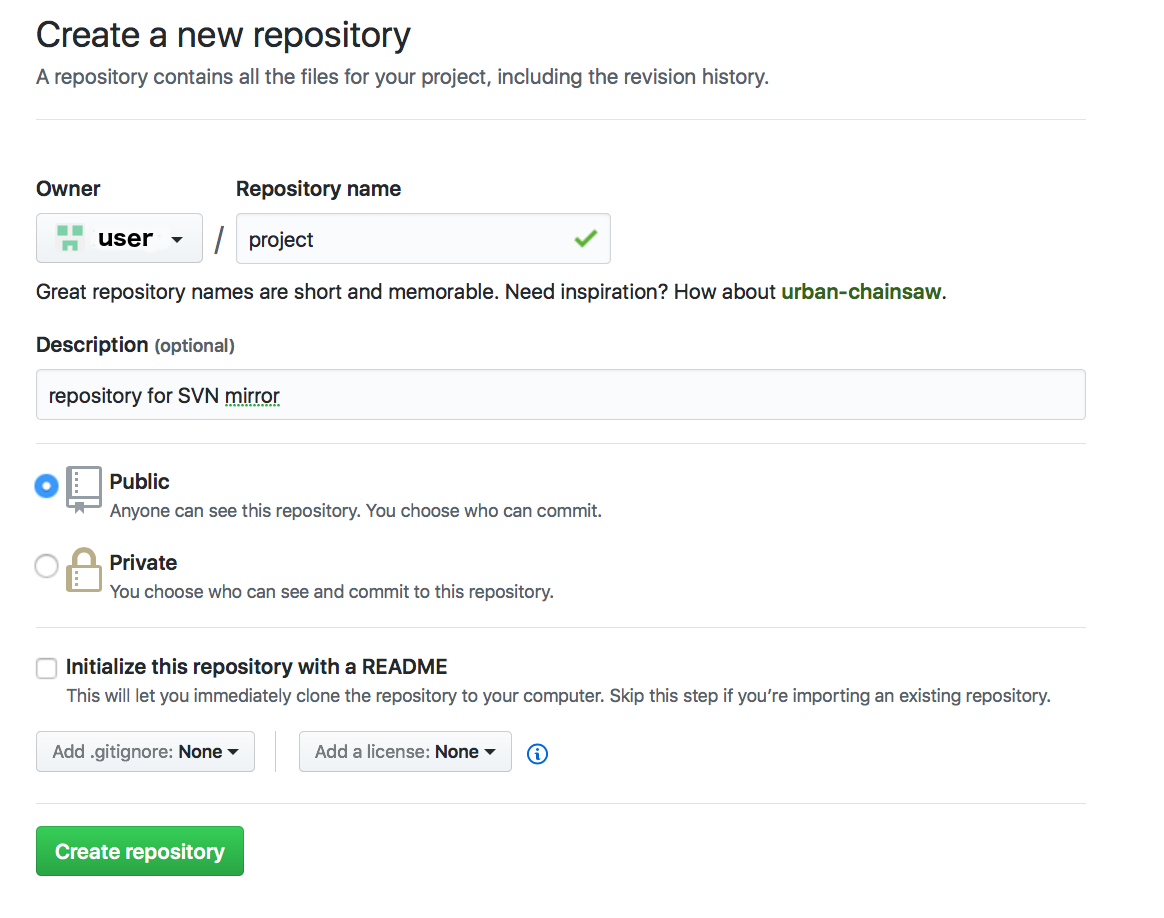
Run this command on behalf of the same user you use to serve Git repository:
$ subgit configure --layout auto --trunk trunk SVN_URL GIT_REPO |
where
SVN_URL– URL to the SVN project.GIT_REPO– a path to the new Git repository where data from the SVN project will be imported to.
$ subgit configure --layout auto --trunk trunk http://svn.example.com/svn/repository/project ./project.git

            SubGit version 3.2.4 ('Bobique') build #3670

            Configuring writable Git mirror of remote Subversion repository:
                Subversion repository URL : http://svn.example.com/svn/repository/project
                Git repository location   : ./project.git

            Git repository is served by GitLab, hooks will be installed into 'custom_hooks' directory.

            Detecting peg location...
            Authentication realm: <http://svn.example.com/:80> Subversion Repository
            Username [git]: user
            Password for 'user':
            Peg location detected: r10248 project/trunk
            Fetching SVN history... Done.
            Growing trees... Done.
            Project origin detected: r1 project/trunk
            Building branches layouts... Done.
            Combing beards... Done.
            Generating SVN to Git mapping... Done.

            CONFIGURATION SUCCESSFUL

            To complete SubGit installation do the following:

            1) Adjust Subversion to Git branches mapping if necessary:
                /var/opt/gitlab/git-data/repositories/user/project.git/subgit/config
            2) Define at least one Subversion credentials in default SubGit passwd file at:
                /var/opt/gitlab/git-data/repositories/user/project.git/subgit/passwd
               OR configure SSH or SSL credentials in the [auth] section of:
                /var/opt/gitlab/git-data/repositories/user/project.git/subgit/config
            3) Optionally, add custom authors mapping to the authors.txt file(s) at:
                /var/opt/gitlab/git-data/repositories/user/project.git/subgit/authors.txt
            4) Run SubGit 'install' command:
                subgit install ./project.git
Specify authors mapping
Configure authors mapping in default authors mapping file:GIT_REPOS/subgit/authors.txt
Or change
core.authorsoption so that it points to the global authors mapping file.Find more details about authors mapping in Authors mapping article.
Import data into local Git repository by the command:
$ subgit import GIT_REPO |
|